In short
- The recommended size for an Instagram post in 2026 is 1080 × 1350 pixels, in 4:5 portrait format.
- Stories and Reels are made at 1080 × 1920 pixels (9:16), leaving the top and bottom of the screen clear, since the interface covers them.
- An Instagram carousel takes up to 20 photos or videos, and by default every slide takes on the format of the first one.
- Since January 2025, the profile grid shows each post at 3:4: a 4:5 post loses about 34 pixels on the left and right, a square post loses 135 on each side.
- The profile picture is uploaded at 320 × 320 pixels and shown in a circle, so the corners disappear.
The right Instagram post size in 2026 is 1080 × 1350 pixels, in 4:5 portrait format. Stories and Reels are made at 1080 × 1920 pixels (9:16). A carousel takes up to 20 slides, and your profile grid shows each post at 3:4, which trims the edges slightly.
The aspect ratio is the relationship between width and height: 4:5 means 4 units wide for every 5 units tall.
| Format | Ratio | Recommended dimensions | Use |
|---|---|---|---|
| Portrait post | 4:5 | 1080 × 1350 px | The default feed format |
| Square post | 1:1 | 1080 × 1080 px | Logo, product, the classic feed |
| Landscape post | 1.91:1 | 1080 × 566 px | Panorama, a wide shot of the dining room |
| Vertical photo | 3:4 | 1080 × 1440 px | Photo taken on a phone, posted from the app |
| Carousel | 4:5 recommended | 1080 × 1350 px per slide | Up to 20 photos or videos |
| Story | 9:16 | 1080 × 1920 px | Today's announcement, visible for 24 hours |
| Reel | 9:16 | 1080 × 1920 px | Vertical video |
| Reel cover | 9:16 | 1080 × 1920 px | Thumbnail: the grid only shows the central 1080 × 1440 px |
| Profile picture | 1:1 | 320 × 320 px | Logo, shown in a circle |
| Grid thumbnail | 3:4 | Automatic | Preview of each post on your profile |
What is the ideal Instagram post size?
According to Instagram's official Help Center, a photo keeps its original resolution if it is between 320 and 1080 pixels wide and its aspect ratio falls between 1.91:1 and 4:5, which means a height of 566 to 1350 pixels at 1080 wide. An image wider than 1080 pixels is scaled down. The simple rule: work at 1080 pixels wide, then choose the height.
4:5 portrait: 1080 × 1350 px
This is the Instagram post format to go for: posters, prices, quotes, photos of a dish. It takes up more height than a square and is accepted everywhere.
1:1 square: 1080 × 1080 px
The original format still works, but it takes up 20% less height than a 4:5, and the profile grid crops a quarter of its width.
1.91:1 landscape: 1080 × 566 px
It looks small in the feed, and the grid only keeps the center. Save it for photos that only make sense wide.
What about 3:4?
Since late May 2025, Instagram has displayed photos at 3:4 without cropping them, both as single posts and in carousels (Social Media Today). It is the native format of most phone cameras: 1080 × 1440 pixels. However, Meta's publishing API, which scheduling tools rely on, only accepts ratios between 4:5 and 1.91:1.
Why is 4:5 the best choice for the feed?
- More room on screen. 1350 pixels tall versus 1080 for a square: 25% more height for the same width.
- Almost nothing cropped in the grid. The switch to 3:4 only removes about 34 pixels on the left and right.
- Accepted everywhere. The app, ads (Meta's ads guide recommends 4:5 for the feed) and the publishing API. A 3:4 visual falls outside these limits as soon as you go through ads or a scheduling tool.
- One template. Single posts and carousels share the same format, so the feed stays consistent.
What are the dimensions of an Instagram story and a Reel?
Instagram story dimensions and Reel dimensions are the same: 1080 × 1920 pixels, in 9:16, the whole phone screen. Instagram raised the maximum Reel length to 3 minutes in January 2025 (Engadget). Meta's documentation for publishing through the API accepts Reels up to 15 minutes long and video stories up to 60 seconds.
Where does the interface cover a story or a Reel?
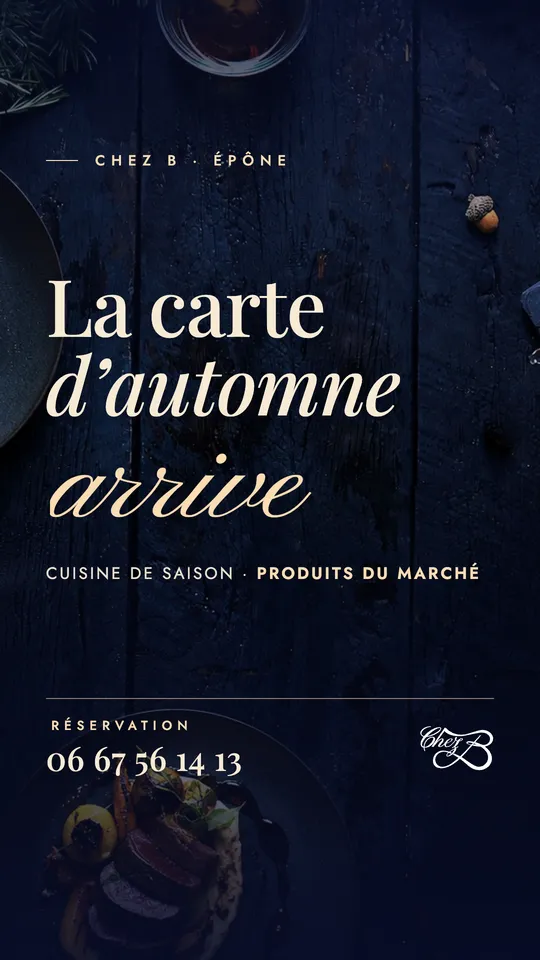
A safe zone is the part of the image that no Instagram button or text covers. Everything that matters (headline, price, date, logo) has to fit inside it.
- Story: the top shows the progress bar, your profile picture and your name; the bottom shows the reply field and the buttons. Leave about 250 pixels clear at the top and bottom (Buffer), which leaves a safe zone of about 1080 × 1420 pixels in the center.
- Reel: the bottom is busier (caption, account name, audio title), with a column of buttons on the right. For its 9:16 ad formats, Meta asks you to keep at least 14% clear at the top, 35% at the bottom and 6% on the sides (Meta's ads guide). On 1080 × 1920, that comes to about 270 pixels at the top, 670 at the bottom and 65 on each side.
Meta's margins are the most cautious: stick to them and your text stays readable in stories and Reels alike.
What size is an Instagram carousel?
The Instagram carousel size is the same as a post: 1080 × 1350 pixels per slide, at 4:5. A carousel can hold up to 20 photos or videos (Instagram Help Center). The limit went from 10 to 20 in August 2024 (Social Media Today).
Three rules to know:
- One ratio for every slide. By default, Instagram applies the format of the first slide to the whole carousel: if it is square, the following slides are cropped to square. An option keeps each photo's original format (Lindsey Gamble), but for a carousel with text, keep every slide in the same format.
- Scheduling tools have their own limits. Meta's documentation still lists a maximum of 10 items per carousel published through the API, cropped to match the first image.
- The first slide does all the work. It is the one that shows up in the feed and in the grid. It carries the hook and signals that there is more to come.
What size is an Instagram Reel cover?
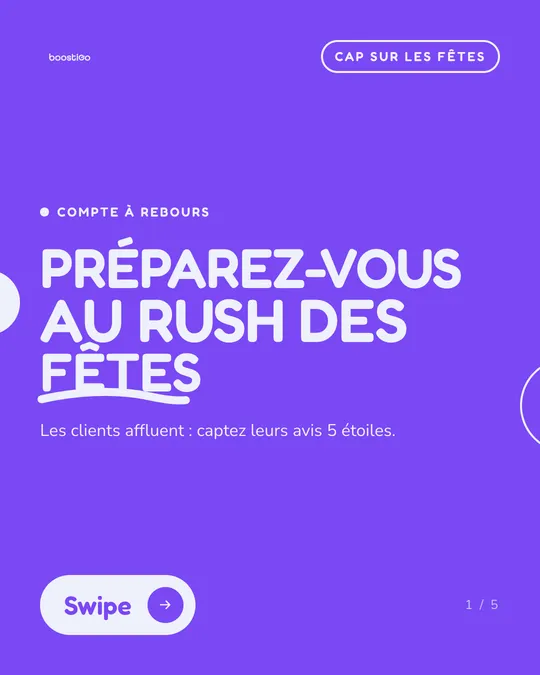
A Reel cover is made at 1080 × 1920 pixels (Buffer). But the profile grid only shows its center, at 3:4, an area of 1080 × 1440 pixels (Hootsuite). The top and bottom 240 pixels disappear. Place the title in the central band, between 240 and 1680 pixels from the top.
What size is an Instagram profile picture?
Upload a square image of at least 320 × 320 pixels: Instagram shows it in a circle about 110 pixels across on mobile (Hootsuite). The corners are lost. Center your logo with some margin around it, and forget the tagline, which is unreadable at that size.
What does the 3:4 profile grid crop?
Since January 2025, the profile grid has shown rectangles instead of squares (Engadget), in 3:4 format (Buffer). In the feed, each post keeps its format. On your profile, its thumbnail is cropped to the center:
| Published format | Visible in the grid | What disappears |
|---|---|---|
| 4:5 (1080 × 1350) | about 1012 × 1350 px | about 34 px on the left and right |
| 1:1 (1080 × 1080) | 810 × 1080 px | 135 px on each side, a quarter of the width |
| 9:16 (1080 × 1920) | 1080 × 1440 px | 240 px at the top and bottom |
| 1.91:1 (1080 × 566) | about 425 × 566 px | more than half the width |
| 3:4 (1080 × 1440) | everything | nothing |
Instagram lets you adjust the preview after posting, from the post's “…” menu: crop, zoom in or add borders (Planoly). Better not to need it.
How do you keep important text in the safe zone?
- On a 4:5 post, keep headlines, prices and the logo at least 60 pixels from the left and right edges: 34 are cropped, the rest gives breathing room.
- On a square post, everything that matters fits in the central 810 pixels.
- On a Reel cover, center the title vertically.
- Write big and short: with three columns, each thumbnail is a third of the screen's width.
- Check your profile right after posting.
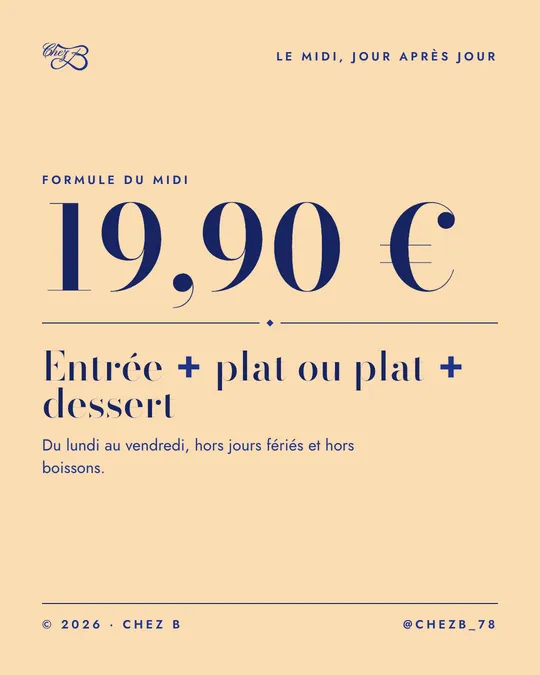
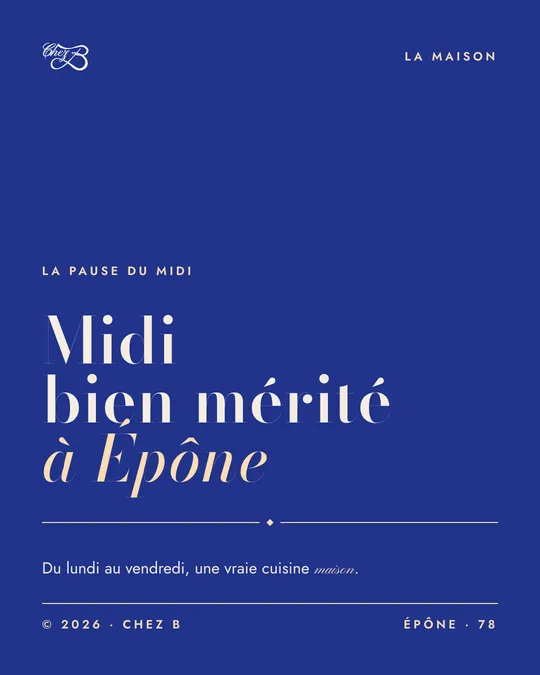
Fixed margins are part of good Instagram brand guidelines. That is Muffino's approach: its posts are composed natively at 4:5 and its stories at 9:16, with the text inside the area that stays visible in the grid. The Chez B post at the top of this article is an example: headline, logo and labels all stay well away from the edges.
How do you export Instagram visuals without losing sharpness?
- Width: 1080 pixels. It is Instagram's reference width. Meta accepts images up to 1440 pixels wide through the API and recommends 1440 × 1800 for feed ads, but 1080 is enough for a post.
- PNG for text, JPEG for photos. PNG keeps letters and flat colors sharp; high-quality JPEG is lighter for a photo. Both are accepted (Meta's ads guide). Instagram reprocesses every file on upload, so start from a clean image.
- Colors in sRGB. It is the color space Meta's API requires. Another profile, such as Adobe RGB, can shift the colors.
- A reasonable file size. Meta caps images at 30 MB for ads and 8 MB through the API. A well-exported 1080 × 1350 pixel visual stays far below that.
- Video in MP4. For a Reel or a video story: MP4 at 1080 × 1920, H.264 compression, a constant frame rate and AAC audio, as Meta's ads guide recommends.
Posts in the right formats, no calculator needed
Learning these numbers is useful once; applying them to every post takes time. Muffino reads your website (logo, colors, fonts, photos) and builds a design system that looks like your brand, delivered as 4:5 posts, carousels, 9:16 stories and Reels exported as MP4. See how it works.
Frequently asked questions
What is the ideal Instagram post size in 2026?
1080 × 1350 pixels, in 4:5 portrait format. It is the tallest format accepted by the app, by ads and by scheduling tools alike, and the profile grid crops almost nothing from it.
What size is an Instagram story?
1080 × 1920 pixels, in 9:16, which is the whole phone screen. Leave about 250 pixels clear at the top and bottom: your name and the reply field appear there.
How many photos can you put in an Instagram carousel?
Up to 20 photos or videos in the app, since August 2024. If you publish with a scheduling tool, check its limit: Meta's API documentation still says 10 items.
Why are my posts cropped on my Instagram profile?
Since January 2025, the profile grid shows 3:4 thumbnails. A square or landscape post is cropped to the center; you can adjust the preview from the post's “…” menu.
Should you post at 3:4 instead of 4:5?
Since May 2025, 3:4 displays without cropping for photos posted from the app. But the publishing API and in-feed ad formats stop at 4:5, which remains the safest choice for a visual with text.
PNG or JPEG for Instagram?
PNG for visuals with text, a logo or flat color, because the edges stay sharp. High-quality JPEG for photos. Either way, export in sRGB at 1080 pixels wide.