In short
- An AI image looks cheap on Instagram mostly when the whole image is generated: warped text, a redrawn logo, dishes or places that don't exist, a style that changes from one post to the next.
- Generating an image means letting a model paint everything in one block; composing a layout means assembling real layers: a background, a photo, text in a real font and the original logo.
- For a real business, showing a product or a place that doesn't exist risks misleading customers, and a realistic image of this kind must be disclosed as AI-generated in the European Union.
- AI is still very useful for finding ideas, writing captions, producing variants and adapting formats, as long as the photos, the logo and the prices stay real.
- A generated image can work as a mood illustration that clearly misleads no one, never to show what you sell.
An AI image looks cheap on Instagram when the whole image was generated by a model: the text is approximate, the logo is no longer quite yours, the dish or the shop on screen doesn't exist, and every post has a different style. Your followers may not be able to say why, but the post rings false.
AI itself is not the problem. It genuinely helps with finding ideas, writing a caption or organizing a layout. What goes wrong, for a real business, is letting an image generator draw in place of your photos, your logo and your fonts. Here is how to spot these flaws, avoid them, and keep AI where it saves you time.
Why does an AI-generated image look cheap on Instagram?
An image generator (Midjourney, DALL·E and the like) produces an image from a written description. It doesn't type text, it doesn't place your logo, it doesn't photograph your storefront: it invents everything it shows, in one single block. That leads to six flaws that come up again and again.
The text is warped or misspelled
In a generated image, letters are drawn as shapes, not typed in a font. Recent tools write much better than they did at first, but not reliably: a dropped accent, a doubled letter, an odd apostrophe, a digit that changes. On a price, a date or a phone number, a single mistake makes the post unusable.
The logo gets redrawn, more or less
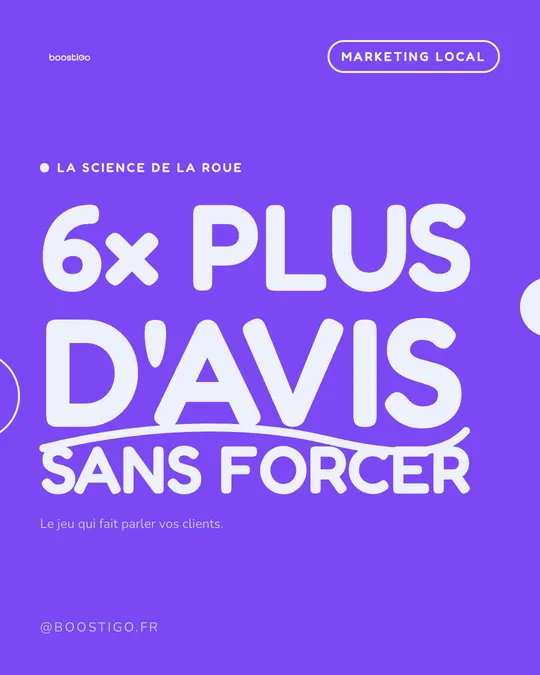
Ask a generator to add your logo and it produces an interpretation of it. The proportions shift, a letter changes shape, a detail disappears. Your logo is a marker of trust. An approximate version looks amateur, and can even look like a knockoff.
The dish, the product or the place doesn't exist
This is the most serious point. A perfect rib-eye you have never served, a dining room bigger than yours, a cake your pastry chef doesn't make: the customer who comes in for it will be disappointed, and rightly so.
It is not just a question of image. In France, misleading consumers about the qualities or the composition of a product can amount to a misleading commercial practice (Article L121-2 of the French Consumer Code). And since August 2, 2026, the EU AI Act has required professionals who publish a “deep fake”, meaning a generated image that resembles existing people, objects or places and could pass for authentic, to disclose that it was AI-generated (European Commission, Article 50 of the AI Act).
On Instagram, Meta can add the “AI info” label (formerly “Made with AI”) when its systems detect the standard technical markers that generators leave behind, or when the author discloses it (Meta). For a restaurant that puts its homemade food front and center, that is not the message you want to send.
The style changes from one post to the next
Even with the same prompt, a generator produces different lighting, framing and colors on every try. Side by side in your grid, the posts don't look alike. The feed looks thrown together at random, with no identity.
The “AI look” is easy to spot
Soft light that is even everywhere, surfaces as smooth as plastic, steam that is too perfect, flawless symmetry, a generic blurred background, cutlery or hands with odd shapes. Not every sign shows up every time, but these images are all over social media and the eye learns to recognize them. And a local business has exactly what these images lack: the real thing. Your dining room, your team, your plate.
Fixing one detail means redoing everything
A typo in the headline, a price change, a photo to crop: in a generated image, nothing is separate. You run the generation again and get another image, with other flaws. You can't just change one word.
Generating an image or composing a layout: what's the difference?
Generating an image means asking a model to paint the entire image from a description. The result is a single block of pixels: the background, the objects, the text and the logo are all invented together.
Composing a layout is how a graphic designer works: stacking real elements, each on its own layer.
- The background: a brand color or a photo.
- The real photo: your dish, your shop, your team.
- The text: typed on a keyboard, in your real font.
- The logo: the original file, placed as is.
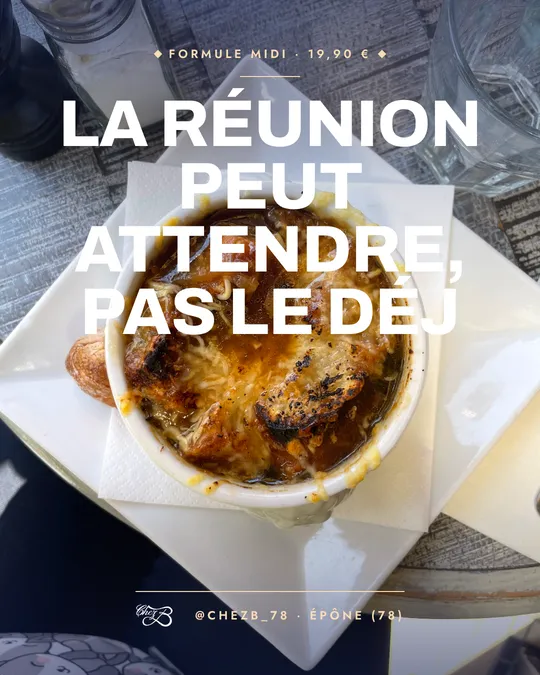
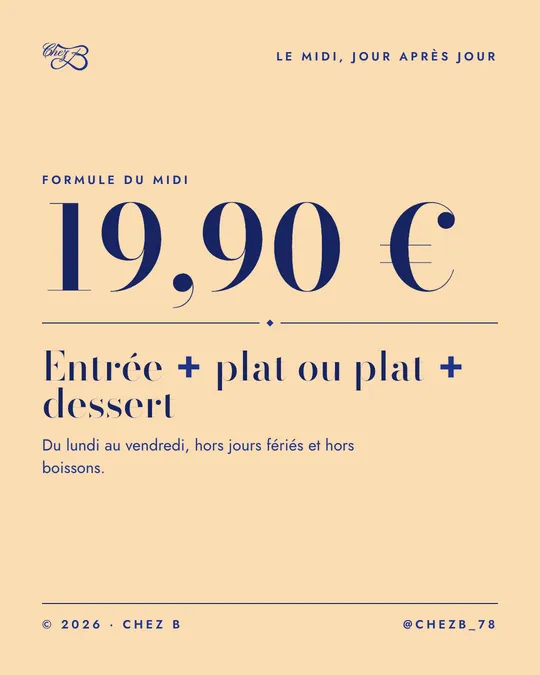
Take the Chez B post at the top of this article: the background is the brand's sand color, the price is typed in Didot, the set-menu details in Jost, and the logo is the original file. To move the price to €20.50, you change the number, and nothing else moves.
That is how Muffino works: it reads your website to pull out your logo, colors, fonts and photos, then composes each post as a layout, not as a generated image. The text stays sharp and error-free, the logo stays intact, and everything remains editable.
| Criterion | Generated image | Composed layout |
|---|---|---|
| Text | Drawn by the model, mistakes possible | Typed in a real font, exact |
| Logo | Reinterpreted, sometimes distorted | Original file, intact |
| Photos | Invented, sometimes misleading | Your real photos or a royalty-free stock photo library |
| Prices, dates, address | To be checked letter by letter | Entered exactly as is |
| Feed consistency | Varies from one image to the next | Same colors, margins and fonts |
| Fixing a word | Regenerate everything | Edit only the layer concerned |
| Risk of misleading customers | Real if the image shows something that doesn't exist | Low if the photos are real |
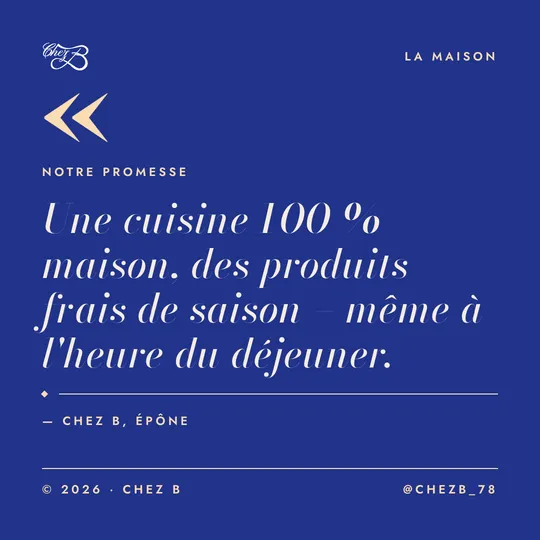
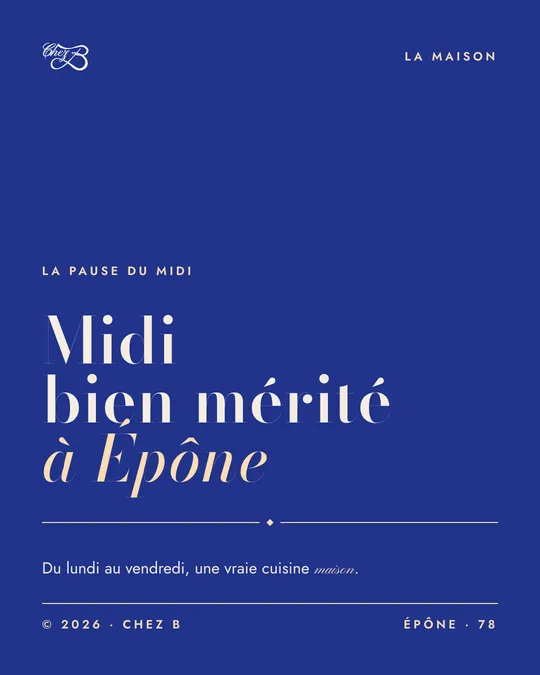
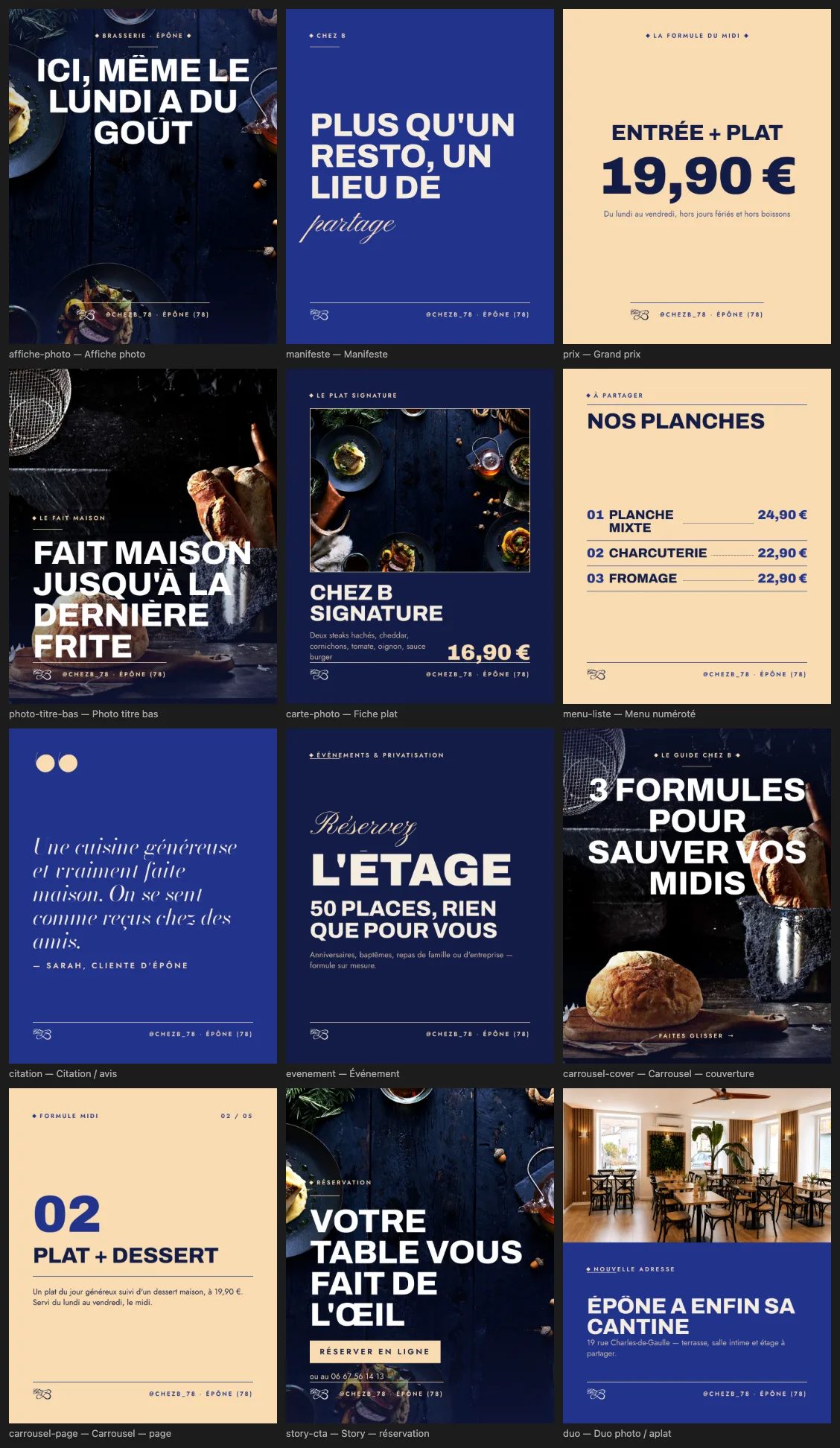
Composition also makes possible something a generator does badly: consistency. A design system is a set of layouts that share the same rules for colors, margins and fonts. Chez B's, named “Maison Bleu Nuit” (“Midnight Blue House”), has twelve layouts: photo poster, big price, dish card, numbered menu, quote, event, carousel, story. Every post is different, but the feed is recognizable at first glance.
What should you check before publishing an Instagram post made with AI?
Before publishing, check:
- Every word on the visual: accents, apostrophes, capital letters, proper names.
- The practical details: prices, dates, opening hours, address, phone number.
- The logo: it is the original file, not redrawn, stretched or recolored.
- The colors and fonts: they are your brand's, not approximations.
- The photo: it really shows what you sell (the dish, the product, the dining room, the team).
- The caption: it doesn't describe anything the image doesn't show.
- The details, zoomed in: hands, cutlery, the edges of objects, reflections, text in the background.
- Consistency: the post looks like the previous three when you look at your grid.
- Readability on a phone: the headline reads without zooming in.
- Transparency: if a realistic image was generated, you have disclosed it.
If a single point fails, fix it before publishing. One post fewer is better than a post that makes people doubt how seriously you run your business.
How do you use AI to create Instagram posts without looking cheap?
AI is at its best with words and organization, not at inventing images of your business. The right uses:
- Finding ideas: a calendar of topics based on your trade and the season (set lunch menu, private events, Black Friday…).
- Writing hooks and captions: several versions, from the most understated to the most playful, which you proofread and adjust.
- Producing variants: the same message with three headlines or three angles, so you can pick the best.
- Adapting formats: turning a 4:5 post into a carousel or a 9:16 story without starting over.
- Choosing the layout: full-bleed photo, big price, quote or list, depending on what you want to say.
- Picking up your style: starting from your current feed to keep the same art direction.
In every case, whatever your business stands behind stays real: your photos, your logo, your prices, your opening hours. And you keep the final proofread.
When can an AI-generated image work?
A generated image is not off-limits on principle. It works when it sets a mood, not when it serves as proof. For example: a watercolor background to announce the fall menu, a festive pattern for a year-end story, a texture that dresses up an opening-hours post.
It is acceptable if:
- no one could mistake it for a photo of your product, your place or a real person;
- the text, the price and the logo are laid on top in a real font, not generated inside the image;
- it respects your colors and stays consistent with the rest of the feed;
- if you have any doubt about how realistic it looks, you disclose that it was AI-generated.
On the other hand, avoid it for anything customers will come to you for: a dish, a product, a haircut, a dining room, a finished job. There, only a real photo is honest.
Posts that really look like your business
The rule fits in one sentence: AI can write and organize, but what the customer sees has to be real. Muffino starts from your website, builds your design system and composes posts, carousels and stories with your real photos, your logo and your fonts; an editor with no AI then lets you change a line of text, move a block or recrop a photo. See how Muffino creates your posts from your website.
Frequently asked questions
Does Instagram label AI-generated images?
Yes, Meta can show the “AI info” label on a post when its systems detect the technical markers that image generators leave behind, or when the author discloses it themselves. Meta requires this disclosure for photorealistic video and realistic audio that was digitally created or altered.
Do you have to disclose that an image was made with AI?
Since August 2, 2026, Article 50 of the EU AI Act has required professionals who publish a generated image that resembles existing people, objects or places, and could pass for authentic, to disclose that it was AI-generated. An illustration that cannot pass for real is, in principle, not covered.
Why is the text so often wrong in an AI-generated image?
Because the generator draws letters as shapes instead of typing them in a font. Recent tools have improved, but accents, prices and small text are still weak spots.
Can you create Instagram posts with AI without them looking amateur?
Yes, if AI handles the ideas, the copy and the choice of layout, and the visual is composed with your real photos, your original logo and your fonts. Always proofread the final text before posting.
Can a restaurant use AI-generated food photos?
It is not a good idea: a dish that doesn't exist sets an expectation the real plate won't meet, and it can mislead customers. Keep generated images for backgrounds or mood illustrations that no one could mistake for your food.